VtoSave.com
One Link, Any Platform, Instant Download
Paste a video link and VtoSave works out where it came from, then hands you the file. No app, no account, no waiting.

Why One Downloader Beats Five Bookmarks

Straight to the File
Paste a link and VtoSave starts reading it right away. No queue, no captcha, no waiting room standing between you and the download.

Runs in the Browser You Already Have
Nothing to install or update. The same page works on iPhone, Android, Windows and Mac, and the file lands in your normal Downloads folder.

Five Platforms, One Input Box
YouTube, TikTok, Instagram, Facebook and X all go into the same field. You never have to remember which tool handles which kind of link.

You Choose the Quality
Every version the platform kept is listed, from small 360p files up to 4K where the uploader published it, plus MP3 when you only want the sound.

Available in 19 Languages
The interface follows your language, from Spanish and Portuguese through Hindi, Arabic and Thai, each on its own address.

Nothing to Sign Up For
No account, no email address, no download history attached to you. A link is used to fetch your file and is not published anywhere.
From Link to Saved File in Five Steps
Step 1 : Copy the Video Link
Go to YouTube, Instagram, Facebook, Twitter, TikTok, or another supported platform. Find the video you want to download and tap the Share button (or '...' etc), then select Copy Link.
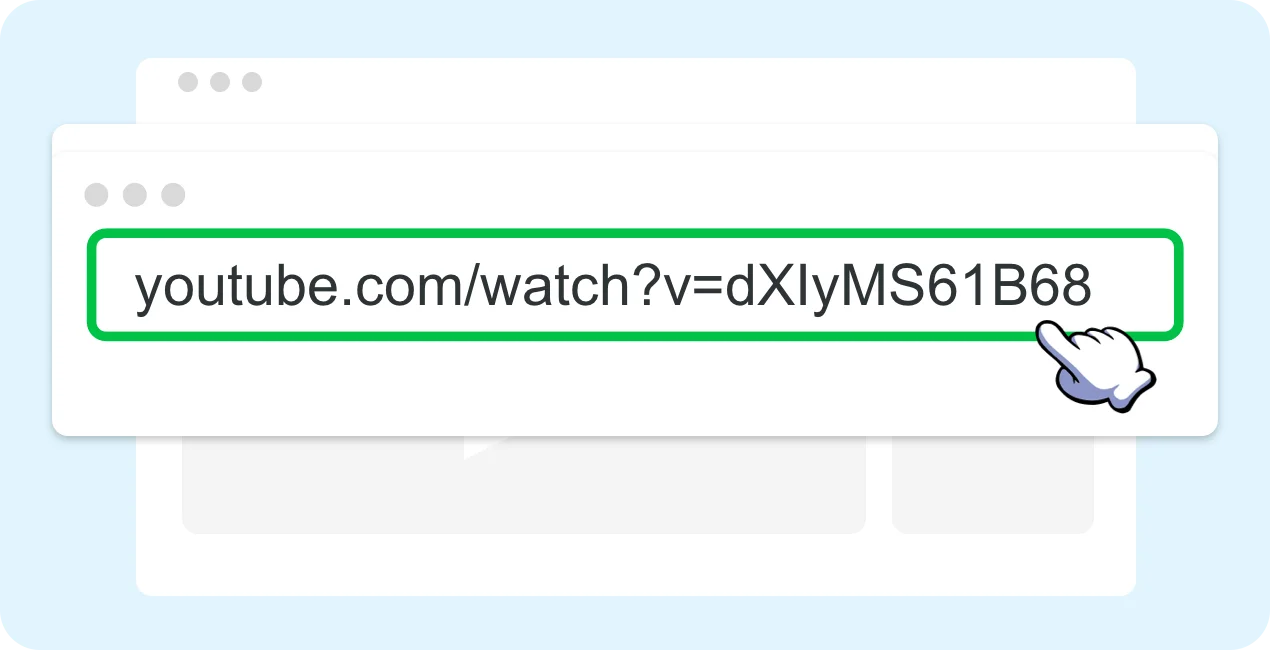
Step 2 : Visit VtoSave
Open your web browser and go to the VtoSave website.
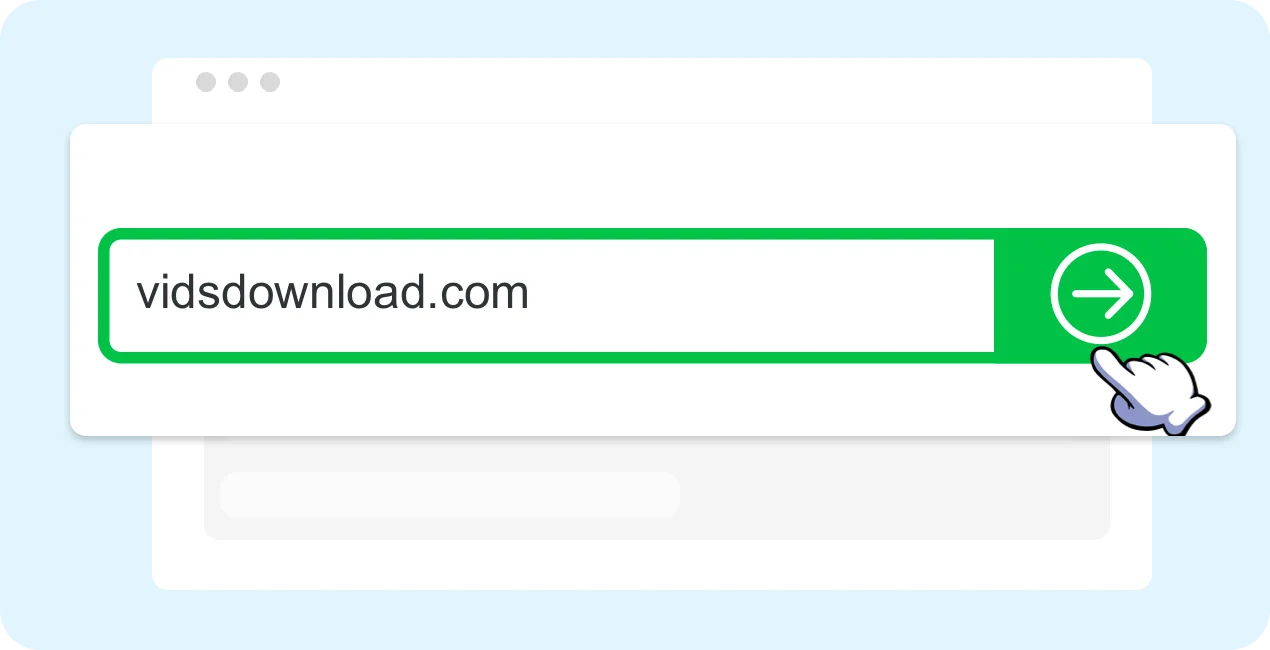
Step 3 : Paste the Link
Find the search box on the homepage and paste the copied video URL.
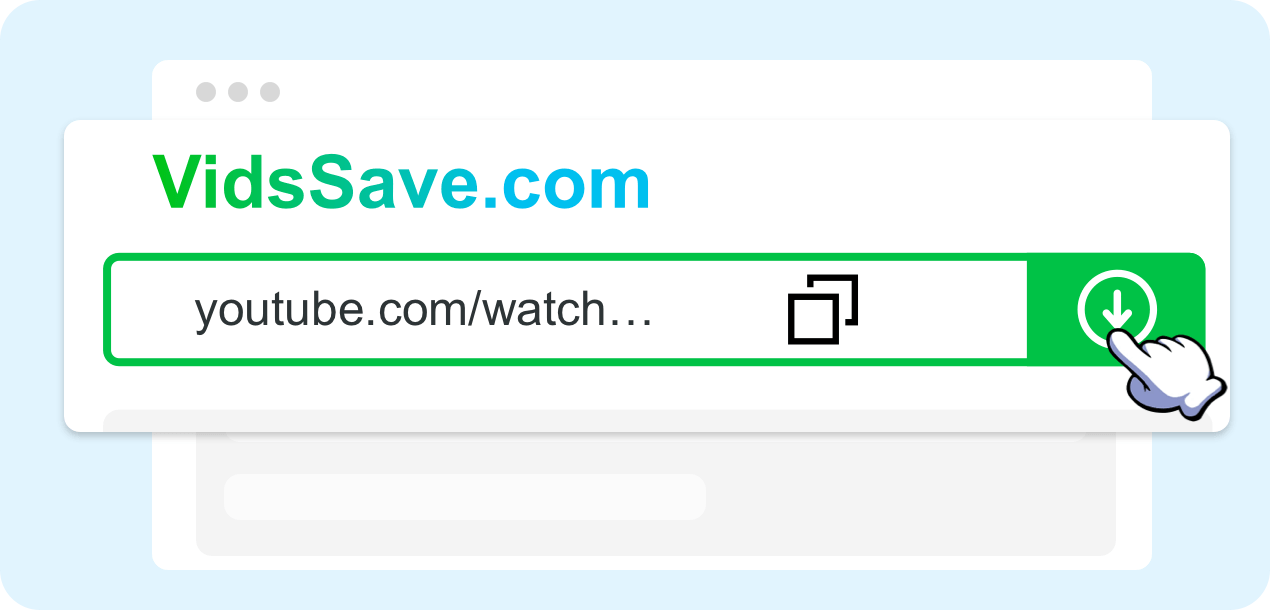
Step 4 : Choose Format & Quality
Click "Download" and pick your preferred format (MP4 or MP3) and resolution (144p up to 4K, depending on the source video).
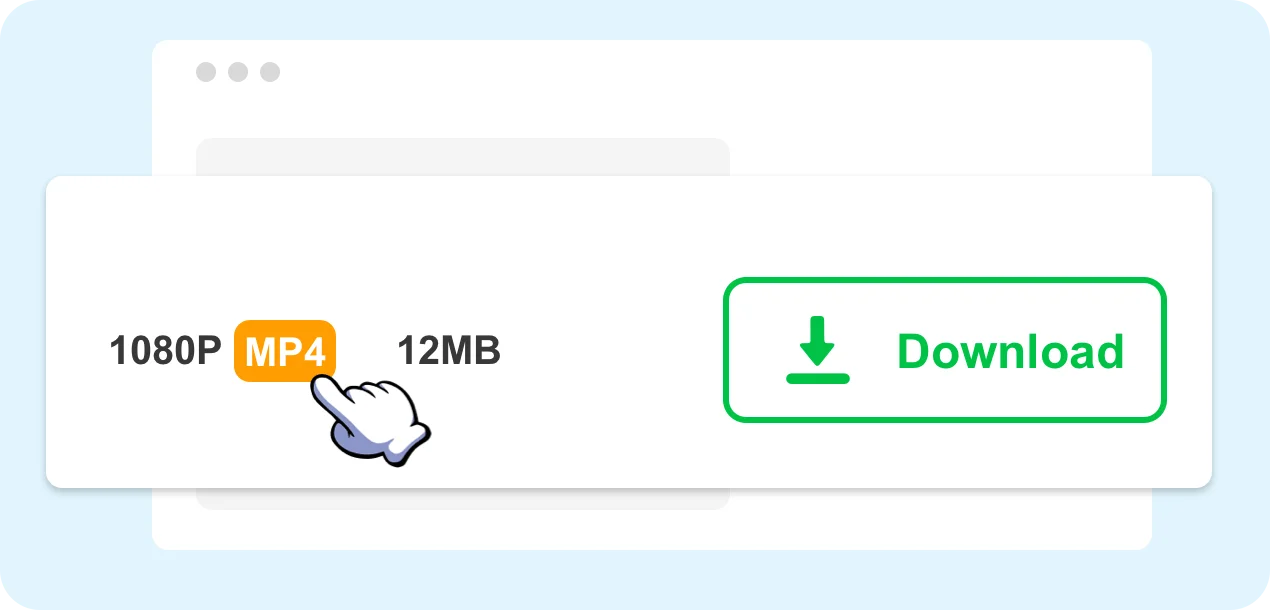
Step 5 : Download & Save
Click your desired option and the online video download will start automatically. The file will save to your device's Downloads folder.

The URL Shortcut: Skip the Copy and Paste


Go to YouTube and open the video you want to download.
Insert "vids" right before "youtube.com" in the address bar to initiate the download.
Press Enter and you'll be taken directly to VtoSave with multiple download options available.
What You Can Actually Get from Each Platform
Every platform stores its videos differently, so the formats and quality ceilings are not the same everywhere. Here is what VtoSave can retrieve from each one — open a platform for its dedicated downloader.
| Platform | Formats | Max quality | Also works on |
|---|---|---|---|
 YouTube YouTube | MP4 · MP3 | 2160p (4K) | Shorts and 4K uploads |
 TikTok TikTok | MP4 · MP3 | 1080p | Watermark-free copies |
 Instagram Instagram | MP4 · JPG | 1080p | Reels, Stories, photos |
 Facebook Facebook | MP4 · MP3 | 1080p | Reels and Watch clips |
 Twitter / X Twitter / X | MP4 · GIF | 1080p | GIFs and quoted clips |
Quality ceilings depend on what the uploader published. VtoSave never upscales a file beyond the original — if a video was posted at 720p, no downloader can turn it into 1080p.
Download Not Working? Start Here
Almost every failed download comes down to one of these five causes.
Loved by Millions of Users
See what people are saying about VtoSave
Best video downloader I've ever used! Downloaded YouTube videos in 4K quality instantly. No ads, no hassle, just works perfectly.
Alex M.
YouTube User
Finally a TikTok downloader that actually removes the watermark! Clean downloads every time. I use it daily.
Sarah K.
TikTok Creator
I needed to save Instagram Reels for a presentation. VtoSave made it incredibly easy — just paste the link and download. Brilliant!
James L.
Content Creator
Works great on my phone. I download YouTube music as MP3 for my morning jogs. The audio quality is excellent.
Maria G.
Music Lover
Super fast and reliable. I've tried many downloaders but VtoSave is by far the best. No software to install, works right in the browser.
David W.
Tech Enthusiast
Love that it supports so many platforms — YouTube, TikTok, Instagram, Facebook, Twitter. One tool for everything. Highly recommend!
Lisa T.
Social Media Manager